Basketball
The possessions from your game, cut by morning.
Upload the game from your phone. We find the player by their number and cut the stretches they were on the floor.
What you get
The possessions
We skip the minutes on the bench and cut each trip down the floor while the player was in the game.
Sorted by skill
The clips are tagged by skill: free throws, jump shots, drives and rebounds. Pick one and only those clips play.
The folder
Download all gives you the clips and one file that plays them, offline, in any browser. Or send a link to your coach, who can watch and download them too.
Work on your free throws
The clips are tagged by skill. Pick free throws and only the free throws play, one after another.
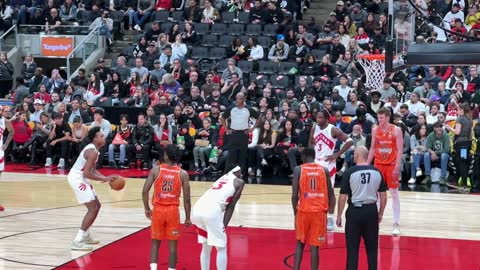 Free throw 1
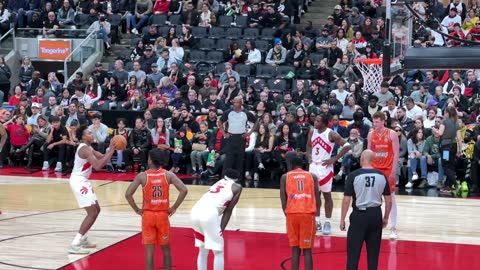 Free throw 2
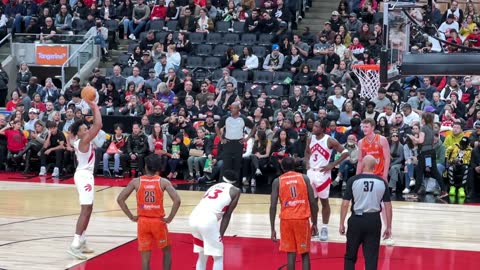 Free throw 3
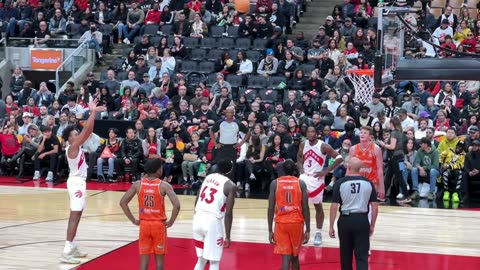 Free throw 4
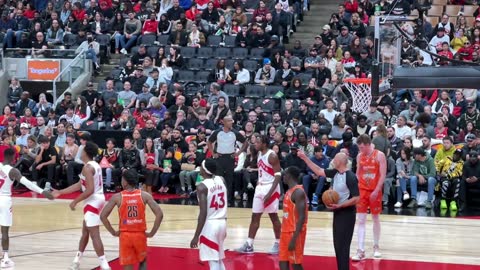 Free throw 5
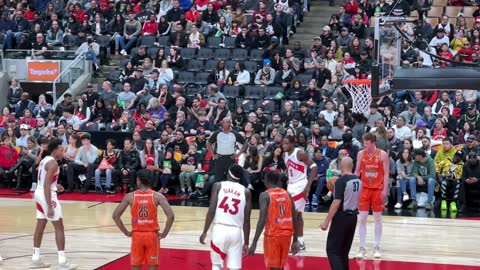 Free throw 6
Pick free throws and they play one after another, so you can compare the set-up, the release and the follow-through, shot after shot.
How it works
- 01
Upload the game
Send the video from your phone: a game, a scrimmage or a practice. The upload starts straight away.
- 02
Tell us their number
Add their jersey number and which colour the team wore. Home or away is enough.
- 03
Open the clips in the morning
The player’s possessions, cut, in order and sorted by skill. If we’re unsure about a couple, we ask you to check them.
What we ask while it uploads
- Game, scrimmage or practice
- Your team’s jersey colours
- The player’s jersey number
- The player’s first name
- Tap the player on the video
- The final score, for games
What happens to the video
- It’s never used in advertising without a separate signed release
- It’s stored encrypted and private to your account
- Download it and it comes off our servers for good
- Other players aren’t labelled or stored, and faces are blurred whenever they’re large enough to recognise
- We never ask for a photo of the player
Filming tips
The filming guide →- Film from half court, as high up the bleachers as you can go.
- Pan with the ball and keep the frame wide.
- Hold the phone sideways.